Thursday, 15 May 2014
Wednesday, 14 May 2014
Usability at it's worst.
Someone call a creative multimedia designer with some serious UX to create some great UI here.
THE BUTTONS
- Yellow N button: Selects neutral from 1st or 2nd gear.
- BRKBAL (brake balance) rotary switch: Adjusts the front and rear brake balance.
- Black Box button: Confirms the driver’s intention to come to the pits.
- Blue and orange S1/S2 buttons: These can be programmed for various funcutions.
- Entry rotary switch: This allows the driver to make changes to corner entry settings of the differential.
- Orange and green BRK-/BRK+ buttons: These change the brake balance between a programmed position and the current BRKBAL rotary position.
- IGN (ignition) rotary switch: Controls ignition timing.
- White ACK (acknowledge) button: Acknowledges changes in the system.
- PREL (preload) rotary switch: Controls the preload differential offset torque.
- Red Oil button: Transfers oil from the auxiliary tank to the main tank.
- Black BP (bite point) button: Activates the clutch bite point finding procedure.
- DRS (drag reduction system) button, upper left edge of the wheel: Activates the rear wing flap in the DRS zone.
- Red PL (pit lane) button: Activates the pit lane speed limiter, limiting the car to the designated pit lane speed limit (typically 100 km/hr).
- Black R button: Activates the driver radio transmission.
- SOC rotary switch: Controls the state of charge of the ERS energy storage system, whether the system is generating or consuming energy.
- Pedal rotary switch: Changes the pedal map dictating how the accelerator pedal responds to inputs.
- Fuel rotary switch: Controls the rate of fuel consumption.
- Black OT button: Activates configurable performance maps to assist the driver in overtaking or defending.
- Tire rotary switch: Tells the ECU and other systems what type of tire the car is running on.
- BBal-/BBal+ switches: These are used to make fine adjustments to the brake balance offset.
- MFRS (multi-function rotary switch): This allows the driver and engineers to control a variety of systems that don’t require a dedicated buttons. They include engine modes (PERF), rev limiter (ENG), air-fuel ratio (MIX), turbo-compressor (TURBO), corner exit differential (VISCO), MGU-K recovery limits (BRK), MGU-K boost limits (BOOST), dashboard options (DASH), cruise control (CC, disabled for qualifying and the race), shift type (SHIFT), and the clutch bite point offset (CLU).
- White -10/+1 buttons: These allow quick navigation of maps from the MFRS dial.
Sunday, 11 May 2014
Saturday, 10 May 2014
Creative Multimedia
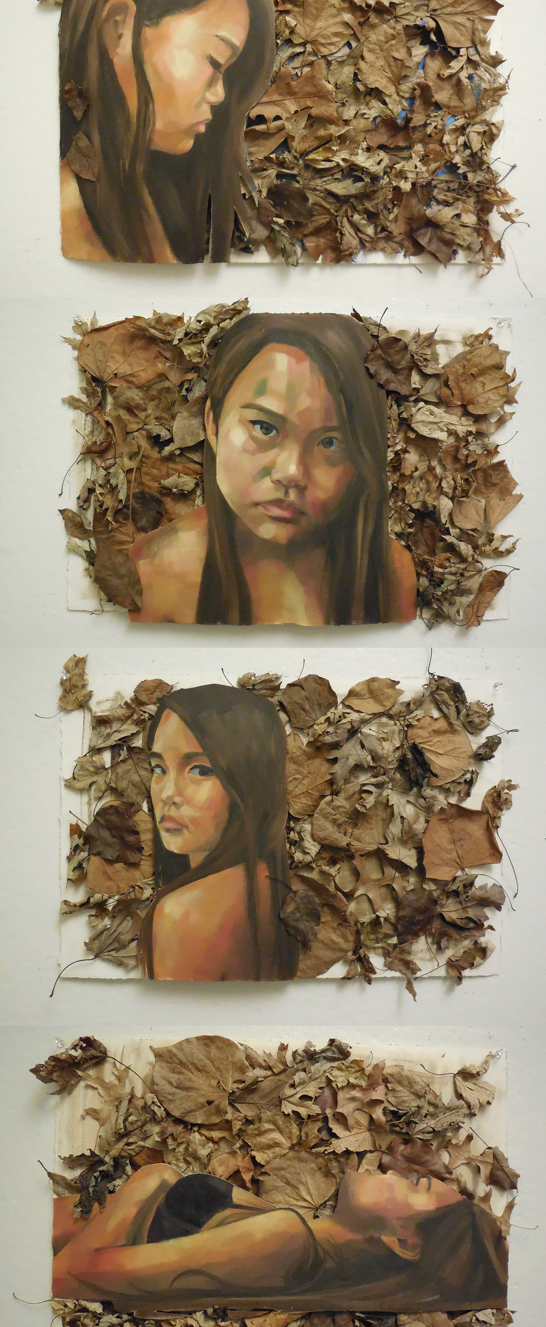
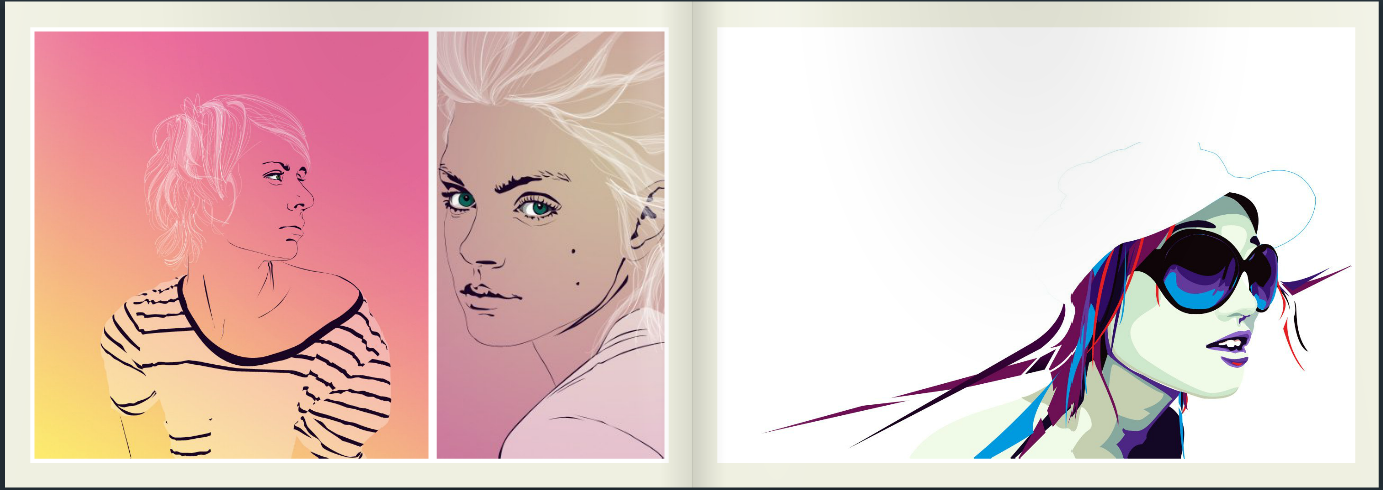
This image is interesting because of the angle the face is at and my mind begins to wonder what is happening in the image. It has the beauty of a doll, yet there is a darkness there. 
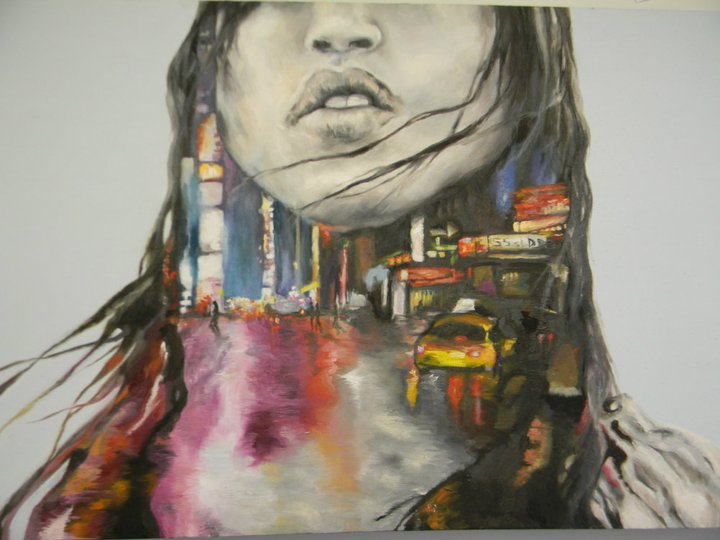
I love this image, it looks like a native American Indianeven though I took this image of a painting in New Zealand. At first the colour around his/her neck looks like some woven jewellery but as you look closer you can see a street image there with a yellow cab. 
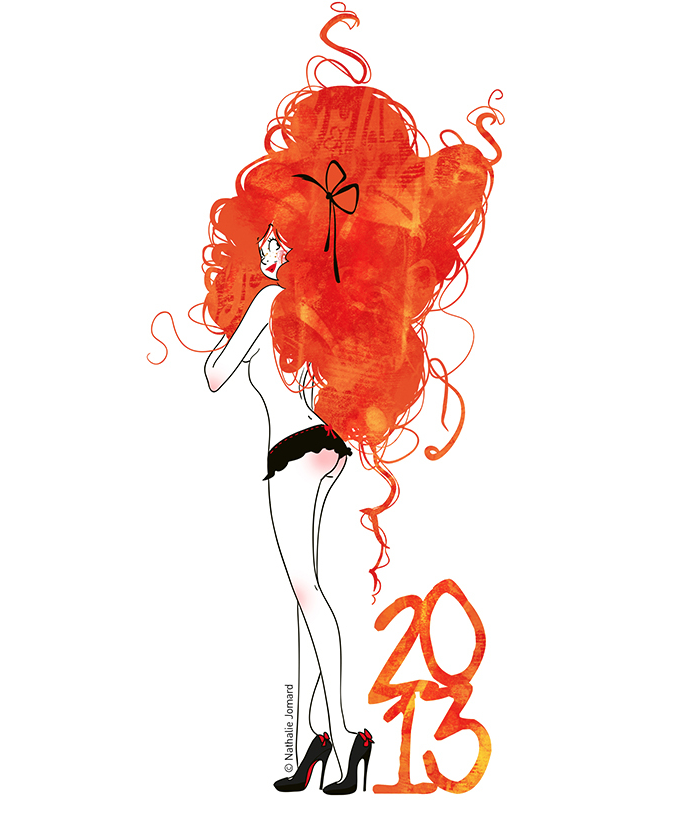
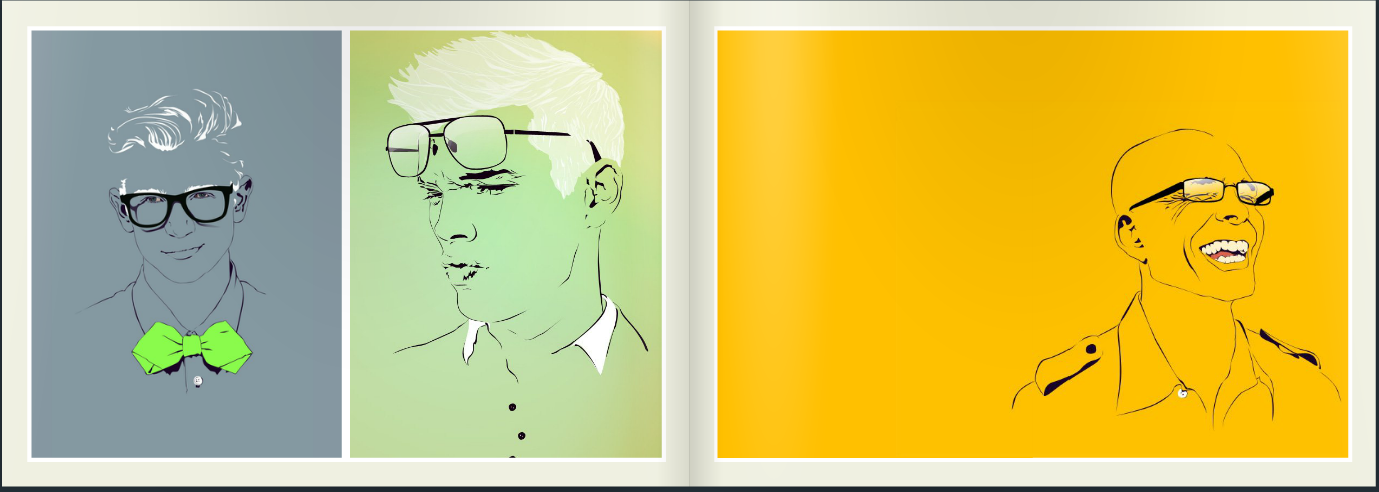
I would like to be able to create a cartoon character of myself.
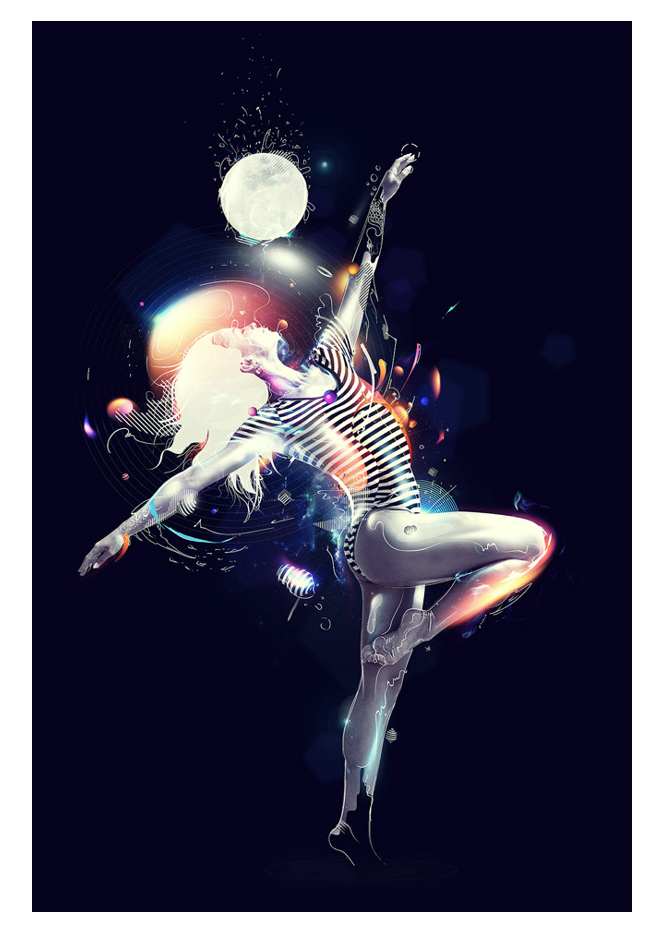
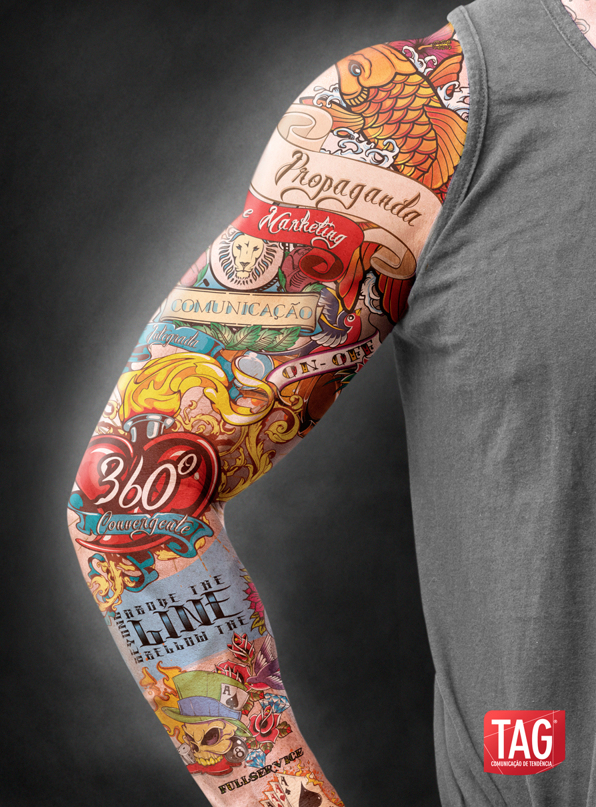
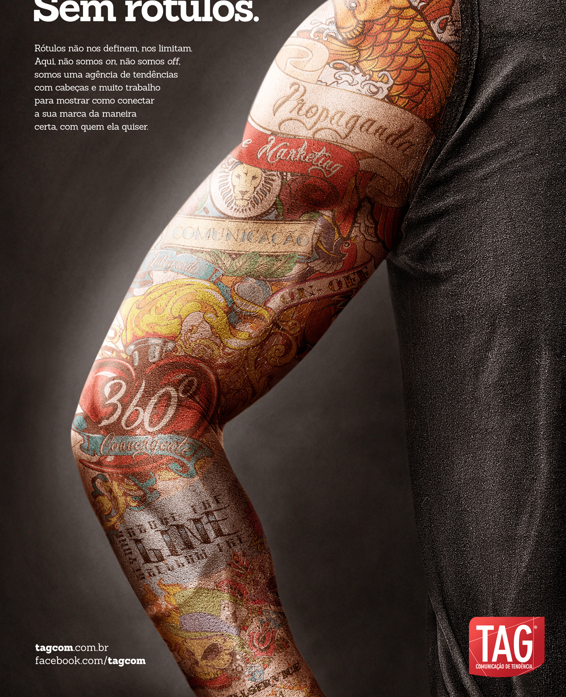
Bringing Images and super imposing them to make them look real, want to learn to graphically tattoo an image.
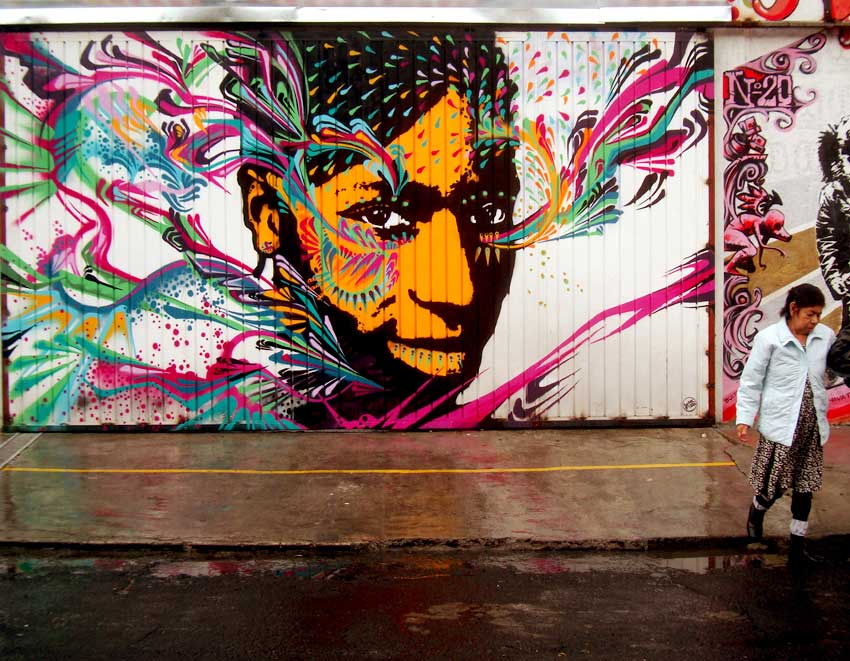
Stinkyfish Street art, love the colours and designs.
Subscribe to:
Posts (Atom)